MY ACCOUNT PAGE (After you have logged in)
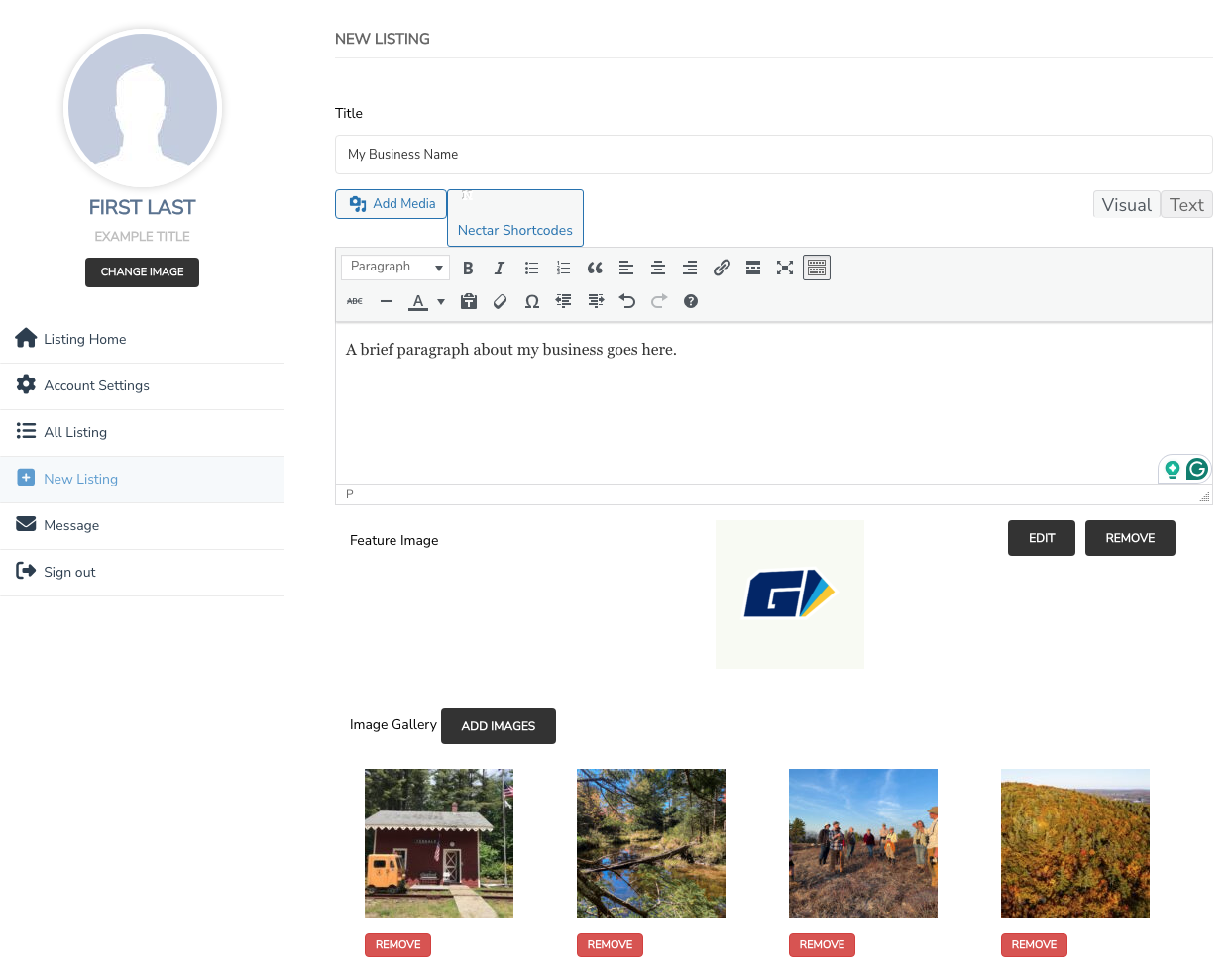
The top left column shows your account name and a default photo.
Below your account info will be a navigation list of actions.
The right column displays the business listing and editable content area.
Click My Account page at the button below.
HOW TO UPDATE YOUR BUSINESS LISTING:
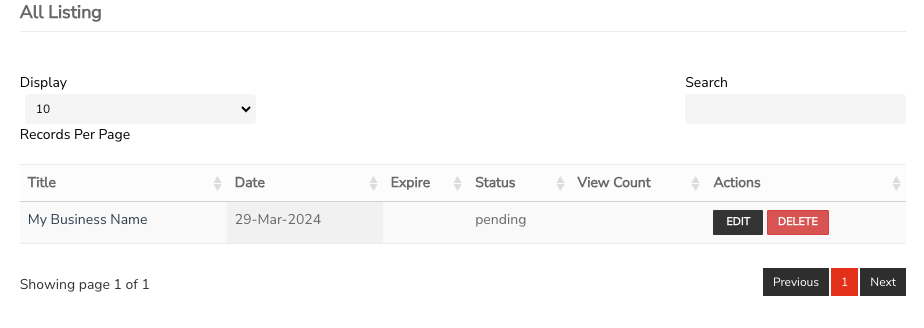
On the MY ACCOUNT page, you will see your listing in the right column. Under actions, click ‘EDIT‘ to review and update your business details. This will open up the editor with a list of fields to make your changes.
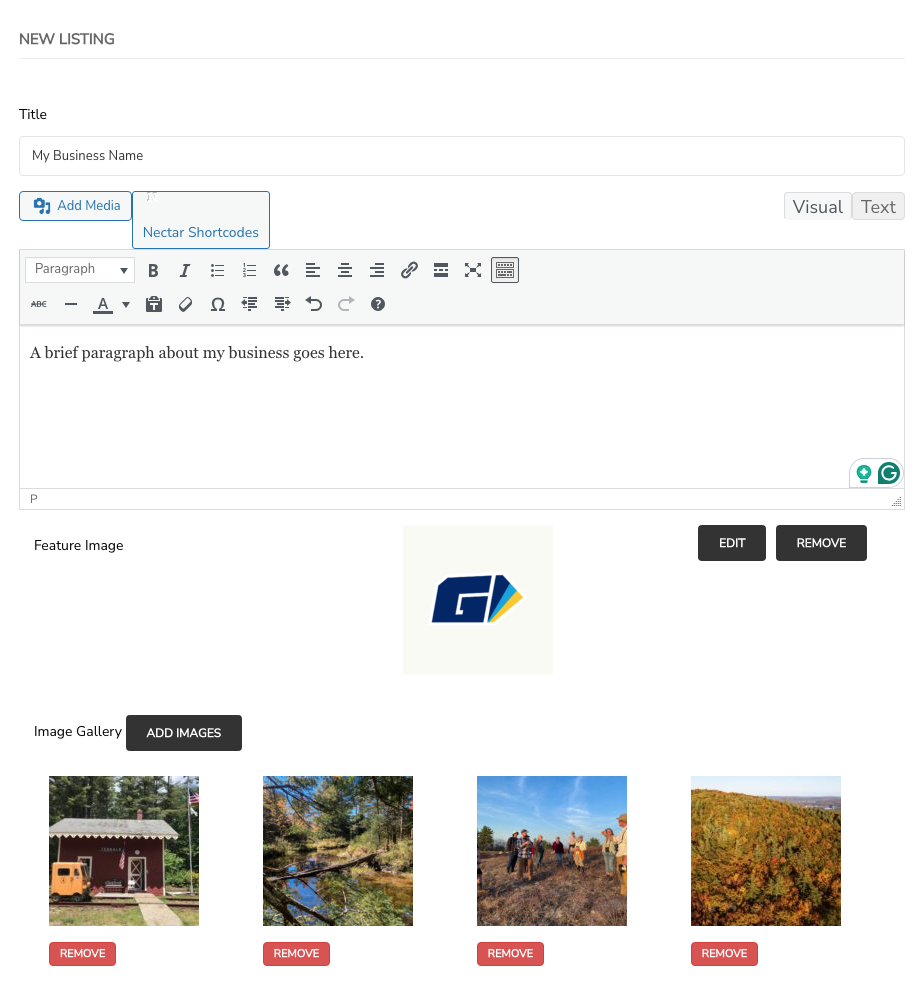
TITLE:
Add your business name.
DESCRIPTION:
Add your business description.
FEATURE IMAGE:
The feature image is for your logo. If you don’t have a logo, use a nice photo of your business.
IMAGE GALLERY:
Your business listing includes a photo gallery. Please upload at least 3 photos to make your business look great!
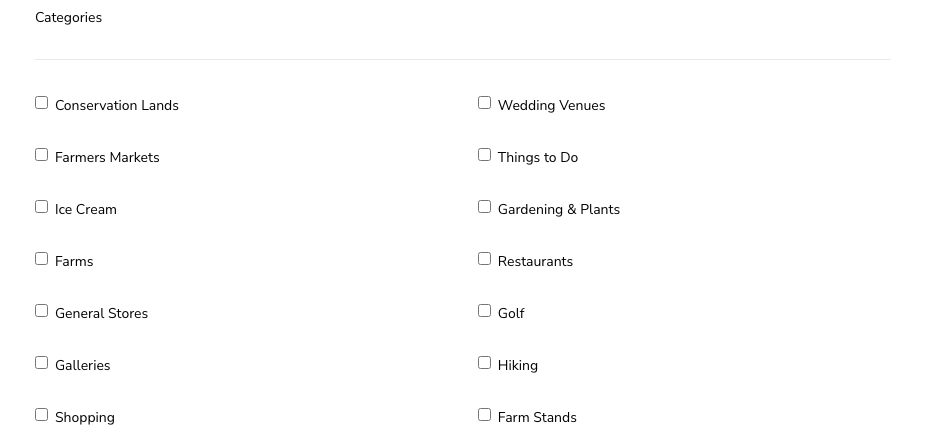
CATEGORY:
Please select the categories for your business. This is how your business will be filtered and displayed on the website.
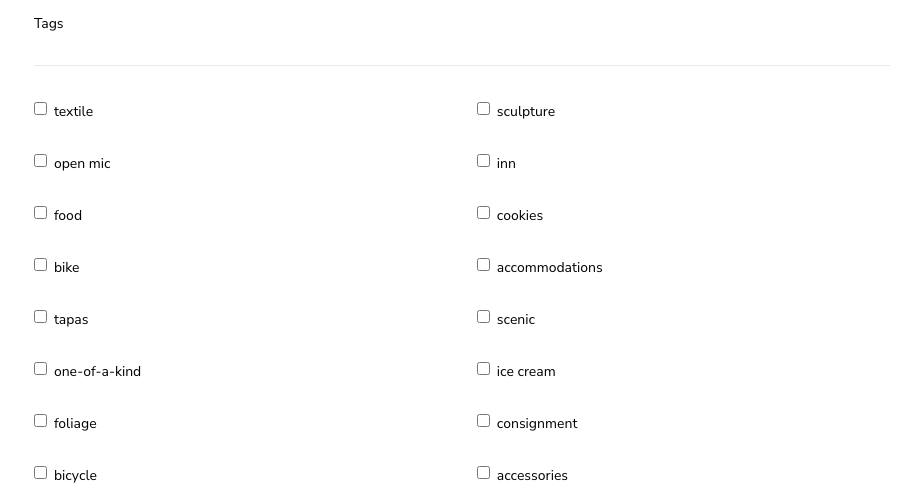
TAGS:
Please select any tags for your business. This is how your business will be filtered and displayed on the website.
*Note: The team at Explore Moose Mountains will review and may make edits or change your listing to fit the proper categories and tags.
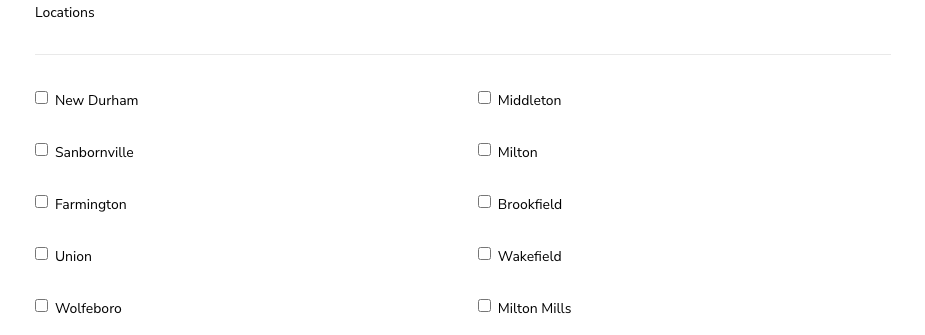
LOCATIONS:
Select the town of your business.
ADDRESS
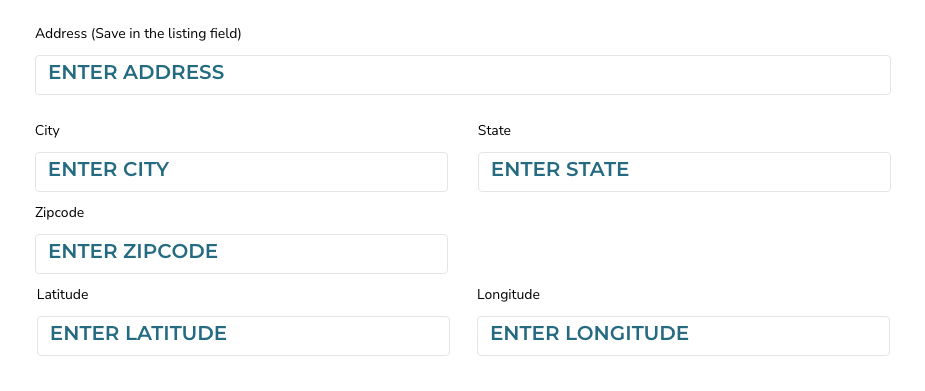
Enter your Street Address, City, State and Zipcode in the fields.
Enter your Longitude and Latitude so google maps can display your business on the map. In a new tab goto Google Maps. Enter your business address into google maps, right-click on place on the map. This will open a pop-up window. You can find your latitude and longitude in decimal format at the top. To copy the coordinates automatically, left-click on the latitude and longitude. Add the Latitude and Longitude in Latitude and Longitude fields.
CONTACT INFO
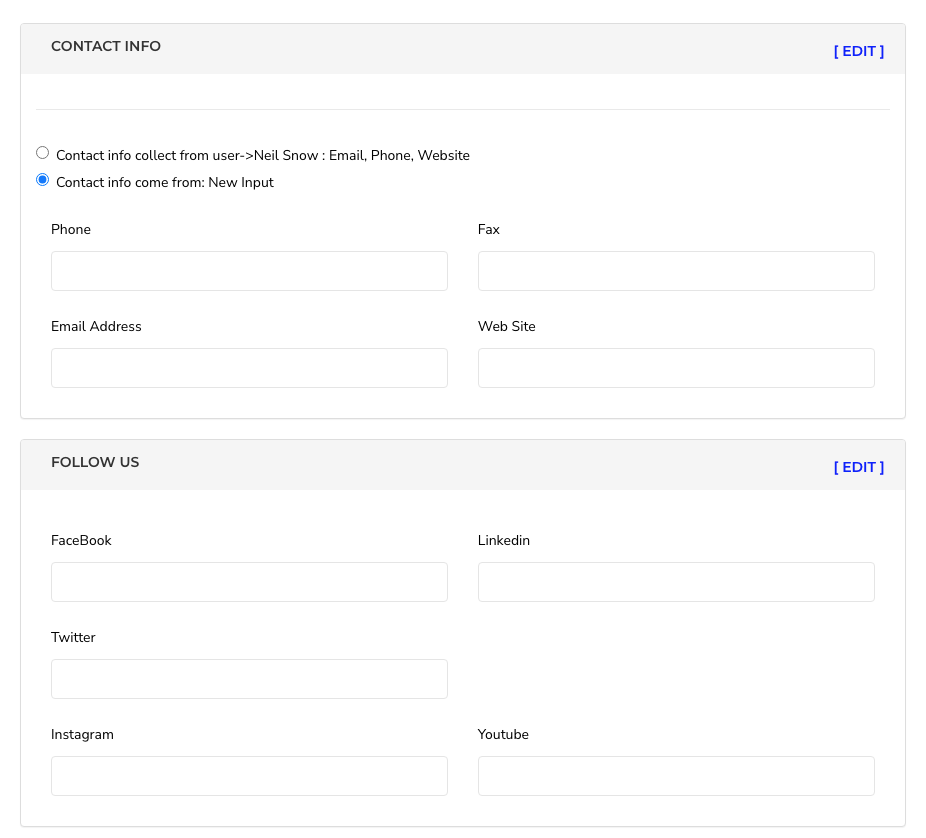
Add phone, email address and website.
FOLLOW US:
Add your social media links for Facebook, Instagram, Twitter, Youtube, or Linkedin.
You must include the full web address. Example: instagram.com/mybusiness
Click the SAVE POST button. If you don’t click that button, all of your work will be lost.
*Be sure to frequently review your Business Listing for accuracy and update/add photos to make your Business shine!